
To check if you are being monitored on phone call, dial this code in your Phone: *#21# . The image below shows screenshot in my phone after dialing the code above
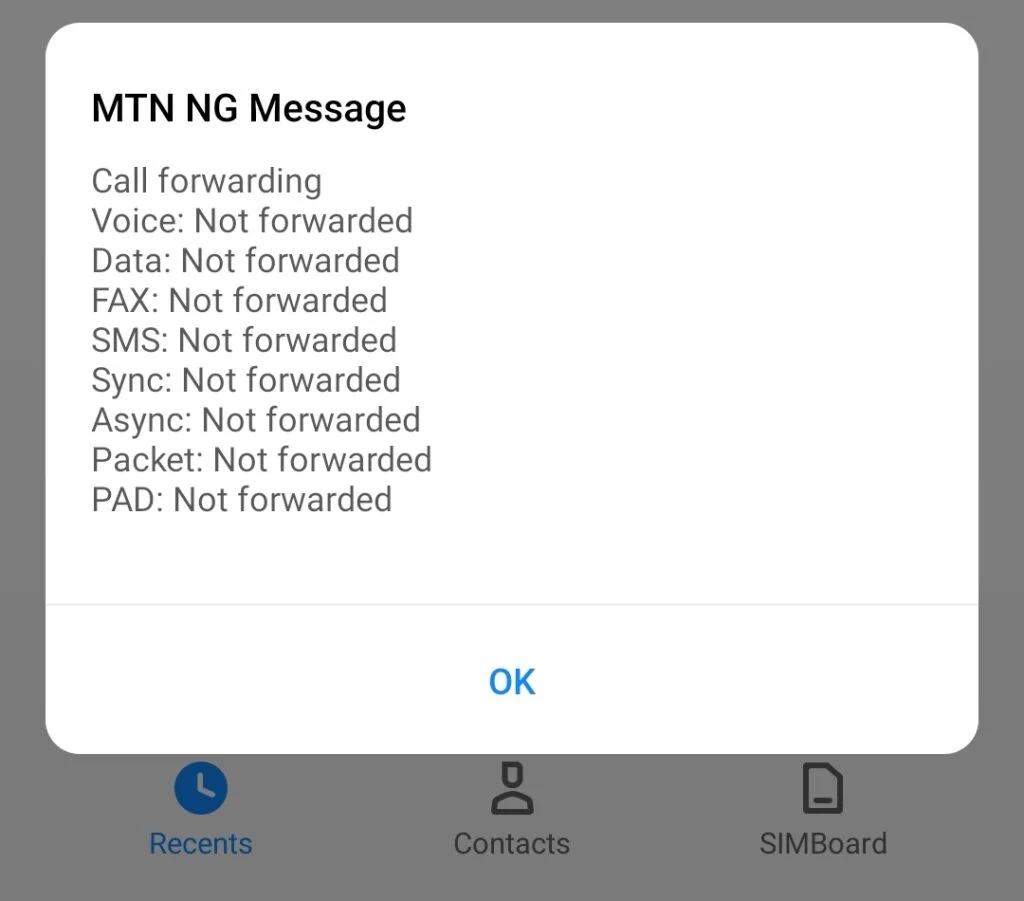
Explanation of the screenshot
The screenshot shows my call is not being monitored because the status says: not forwarded, but if it shows forward it means your call is being monitored.
If your call is monitored, do this to erase it:
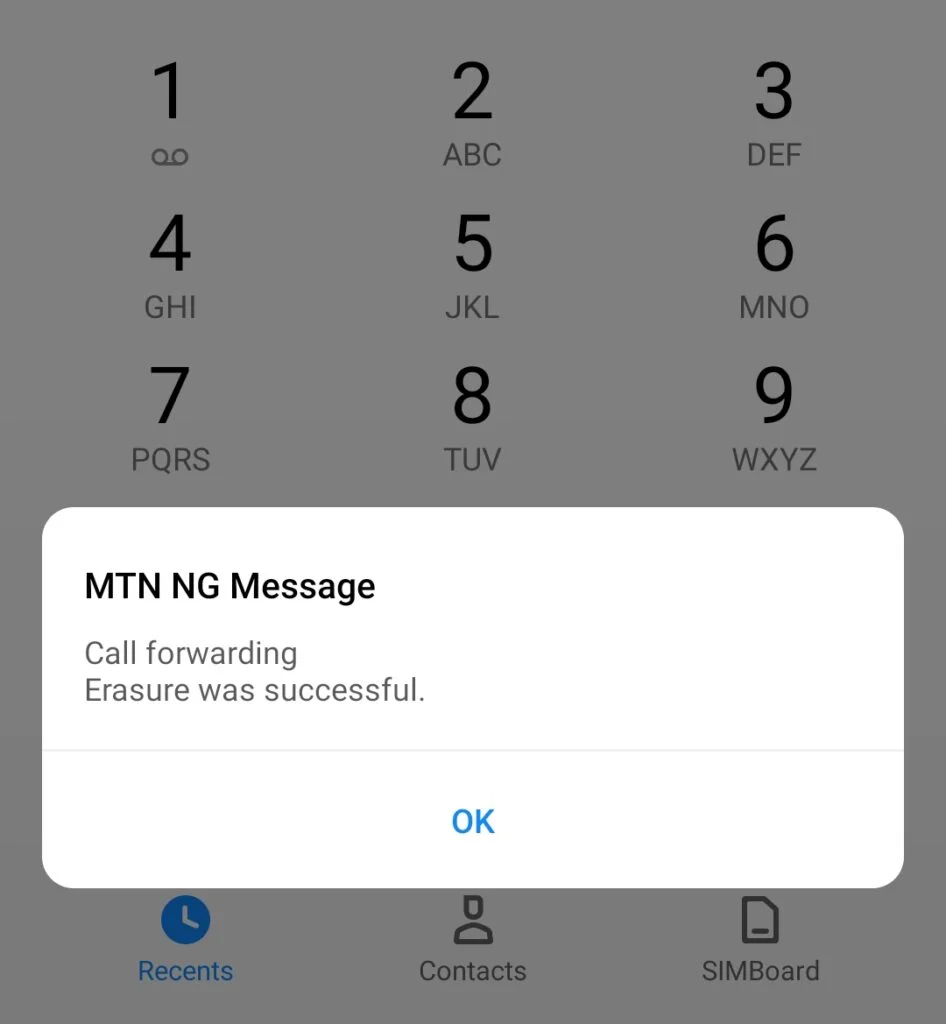
Dial this code: ##002#
The screenshot below shows message after dialing ##002#
Moral lesson:
It’s advisable to always check whether your call is monitored on regular basis to secure your privacy
Thanks for reading, we will always keep our post short and informative to save your time.
Explore other posts we made recently, it will help equip yourself online.
Categories: